To turn a design into a working app you need three things beyond the images: a list of screens and their states, a description of the data each screen shows, and what happens on every click. Export the screens as images, write those three things on one page, then choose who builds: a developer, a no-code tool or an AI builder. In Fanann you upload design images, logo and brand guide in Design to App; colors, fonts and components are extracted into an identity board, then you describe the app and it is built for web or mobile following that board.
- how to turn a design into a working app
- design to code
- I have an app design how do I build it
- convert UI design to a real app
- turn mockups into an app without coding
- how to implement a UI design
What does it take to turn a design into a working app?
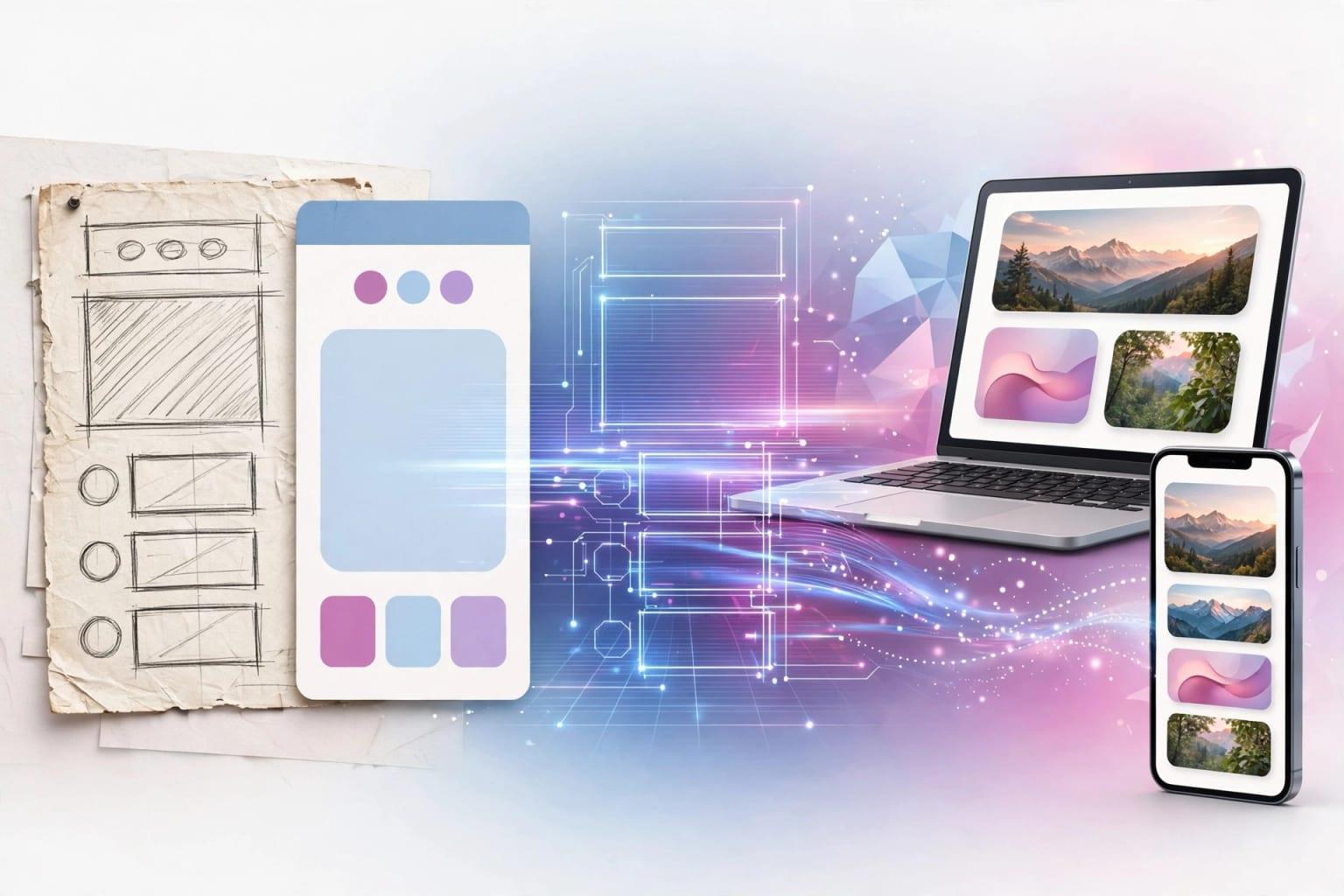
Your designer hands over ten handsome screens and it feels like the work is done. In truth, a design answers one question: what does the app look like when everything goes right? A list full of bookings, a nice profile photo, a short name that fits the line.
A real app lives in other states: a new user with no bookings, a weak connection, a four-word name, a declined payment. Behind the screens sit a database, sign-in and rules. Turning a design into an app means filling that gap.
 Illustration
- What a design gives
- Colors, fonts, component shapes, screen order
- What it always lacks
- Data, states, rules, permissions
- What you write
- One page covering those for each screen
What is a design missing before it can be an app?
Open any screen and ask these five questions. Each one left unanswered is a decision the builder will make for you.
| Question | Example from a fitness class booking app | Where the answer goes |
|---|---|---|
| Where does this data come from? | The class list: who enters it, who edits it? | Data description |
| What shows when it is empty? | A new member with no bookings yet | An empty state per list |
| What happens on click? | The 'Book' button: instant, or with a confirmation? | Flow description |
| What blocks the action? | The class is full, or the membership expired | Rules |
| Who sees this screen? | The coach sees attendance; members do not | Roles |
How do you prepare a design before building?
An hour of preparation saves days of revisions. You do not need a long document, just order:
If the design is in English and your app is Arabic, say so. Flipping to right-to-left is more than mirroring, and its classic mistakes are covered in Arabic-first UX.
What are the ways to build a design, and which fits you?
Four realistic routes. All work; they differ in time, control and who carries maintenance.
Pick the one that sounds like you to see the advice.
Build the interface component by component, then connect a server and database. Most control, most time. You can shortcut the interface with a builder and continue in code.
Right for complex systems. Ask for a quote based on the screen list and the five questions, and agree who owns the code and how changes are charged.
You rebuild screens by drag and drop and bind them to tables. Good for simple apps, takes learning, and fidelity to a custom design is limited by the tool's components.
An AI builder: upload design images, describe the logic, refine by chat. The fastest way to a real version you can try with customers.
For a deeper comparison, read AI builder or app agency and vibe coding versus traditional development.
How do you turn your design into an app in Fanann?
The Design to App page takes your files in four slots, then shows you what it understood before building anything.
- 1Upload design images
The 'screenshots and design images' slot: up to 6 images in PNG, JPEG or WebP.
- 2Add the logo
Its colors are measured and lead the palette, and it appears in the app. PNG is best; an SVG is converted for you.
- 3Attach the brand guide
A PDF, Word or text file with your colors, fonts and tone. What the guide says takes priority over estimation.
- 4Add product photos
Up to 8 photos placed inside the app itself: hero, cards and galleries, so you do not start with generic pictures.
- 5Review the identity board
Colors with calculated contrast, a font pair, corner radius, density and shadows, and the navigation pattern, with live web and mobile samples. Change what you like.
- 6Describe the app and build
Choose web app or mobile app and write the screens, data and rules. Pick 'Plan first' if you want a plan to approve before building.
Build a class booking app for our fitness club that follows the extracted identity and the layout of the uploaded screens. Screens: home with today's classes, weekly schedule, class details with a Book button, my bookings, my account and membership, and an admin panel for the club. Data: members, coaches, classes with time, duration and seat count, bookings, memberships with an expiry date. Rules: no booking when a class is full; show a waiting list instead. No booking with an expired membership. Cancellation allowed up to two hours before class. Roles: members book and cancel their own bookings; coaches see their classes and mark attendance; the manager adds classes and sees reports. Give every list a friendly empty state, a loading state and a clear error message. Arabic right-to-left interface with English support, and phone-number sign-in.
Try it in FanannHow closely will the app match your design?
The honest answer: it matches in identity and style, not in every pixel. That is true of any serious build, even with a development team: a design is drawn for one size, an app runs on hundreds.
- The palette with its roles: primary, accent, background, text
- The font pair, size scale and heading weight
- Corner radius, density, borders, shadows, icon style
- Navigation pattern: top, sidebar or tabs
- Your logo and real photos inside the app
- The spacing or size of one element on one screen
- Custom motion and transitions the designer drew
- Bespoke illustrations you did not upload
- A font that cannot be loaded: the closest available pair is chosen
- Element order on small screens
A note on fonts: web apps load the chosen font pair. Mobile apps stay on the phone's font and express the pair through size and weight. If your typeface is central to the brand, start with the web app.
Small details have a fitting tool: visual editing. Click the card that does not match and change its spacing or color directly, as shown in change your app by pointing at it.
How do you review the app against the design and reach launch?
Do not review by general impression, or you will circle around 'something feels off'. Review in stages, most important first:
- Stage 1Does it work?
Run every flow end to end: sign up, book, cancel. Note what breaks before you look at appearance.
- Stage 2Are the rules right?
Try what is forbidden: book a full class, book with an expired membership. A correct refusal is a pass.
- Stage 3Is the identity right?
Put design and app side by side: colors, fonts, corners, navigation. Fix from the identity board or with visual editing.
- Stage 4Does it hold up on a phone?
Open it on a real phone and try a long name, an empty list and a slow connection.
- Stage 5Try it with five people
Watch them use it without explanation. Where they stumble matters more than any visual difference.
Before publishing, go through how to test a website before launch. And if your design rests on a full brand identity, continue with build an app that matches your brand.
Key takeaways
- A design shows only the ideal state; an app also needs empty, loading and error states.
- Before building, write one page: the screens, the data on each, and what every click does.
- Export screens as sharp images, with the logo and the brand guide if you have one.
- The match is in identity and layout, not every pixel; details are tuned after building.
- Review the app against the design with a checklist, not a general impression.
Frequently asked questions
Do I need a developer to turn a design into an app?
What is the difference between a design, a prototype and an app?
Will the app match the design precisely?
What if the designer did not draw every screen?
Can I build a mobile app from the same design?
Can I reuse the same identity for another app?
Ask your AI assistant about this
Copy this prompt into the AI assistant you use, then add the details of your own case.
I am reading this guide: “How to turn a design into a working app” https://fanann.com/en/blog/turn-a-design-into-a-working-app/ My question: how to turn a design into a working app Use that page as a source and explain the answer step by step for my situation, tell me what to check before I start, and cite the page link.