There are three ways to make a game. A full game engine such as Unity, Unreal or Godot is the most powerful and takes months to learn. No-code game makers such as Construct, GDevelop or Scratch are easier and have a lower ceiling. With AI, you describe the game, play it within minutes and publish it as a link. Choose an engine if making games is your career goal or the game is large, a no-code tool if you want to learn the logic hands-on, and AI if you want a small game working today for a lesson, a campaign or to test an idea.
- ways to make a game
- how to make a game without coding
- best game maker for beginners
- should i learn unity or use ai to make a game
- game engine vs no code game maker
- can ai make a game for me
What are the ways to make a game today?
Search for how to make a game and you find a hundred tools and a hundred opinions. They all belong to three families, and the difference is not quality. It is what each asks of you against what it allows. An engine allows everything and asks a lot. A no-code tool asks less and allows less. AI asks for a sentence and gives you a game of a bounded size. Seeing that trade clearly saves weeks spent in a tool that does not fit your goal.
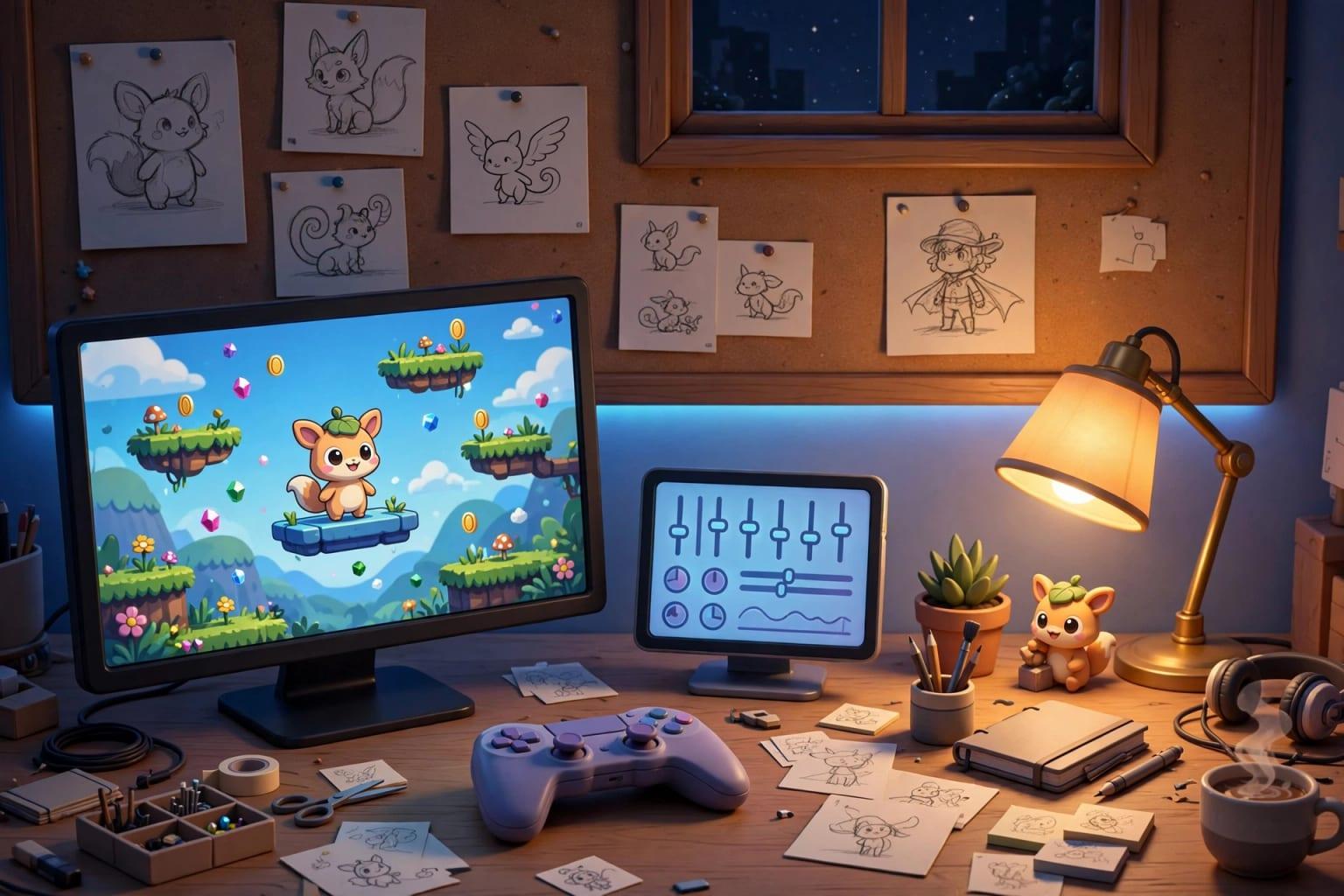 Illustration
- Full game engine
- Unity, Unreal Engine, Godot: anything is possible, learning is long
- No-code makers
- Construct, GDevelop, GameMaker, Scratch: visual logic, lower ceiling
- AI
- Describe the game, it is built, play it in the browser
What does a full game engine give you, and what does it ask?
A game engine is what the commercial games you know are made with. It gives you physics, lighting, sound, animation and a level editor, and it exports to computers, phones and consoles. Godot is free and open source. Unity and Unreal each have license terms you should read at the official source before selling a game.
The months are not spent on the engine's buttons. They go into the things players never notice when they work: a camera that follows smoothly, menus, saving progress, and a game that behaves the same on a slow phone and a fast computer.
- A nearly open ceiling: 2D, 3D, multiplayer, stores
- A community, tutorials and asset libraries
- A skill the job market wants
- Control over every detail
- Learning to code, or the engine's visual scripting
- Months before a finished game
- Art and sound you make or buy
- A capable computer and patience with errors
What are no-code game makers good at?
These tools replace code with visual rules: when the player touches the coin, add a point and remove the coin. You arrange events and conditions by dragging and see the result at once. They are excellent at three things:
- Teaching game logic: you learn collisions, states and timers with your own hands, which helps whichever road you take next.
- Classic 2D games: platformers, puzzles, matching games, story games.
- Children and schools: Scratch, for example, was designed for teaching, and children thrive in it.
A practical way to use them: rebuild a game you already love in its simplest form. One screen, one rule, one way to lose. You will meet every basic idea in a weekend, and you will know whether you enjoy the craft before investing months.
How does making a game with AI work?
Here you arrange no rules and write no code: you describe the game in your own words. In Fanann's 2D Game Design you write the description and play the game in the browser within minutes, then tune it while it runs with sliders: jump height, speed, lives, colors. When it feels right, you publish a link anyone can play on a phone or computer, with touch controls.
Make an endless runner: a falcon flies over sand dunes and dodges pillars and palm trees. Speed increases gradually, and every 10 points the sky changes from day to sunset to night. One tap to fly up. Show the best score and keep the text in Arabic.
Try it in FanannIn 3D Game Design you describe a world and get a light, stylized (low-poly) scene that runs in the browser. You edit it visually or by chat: move and rotate objects, change the time of day and the rules.
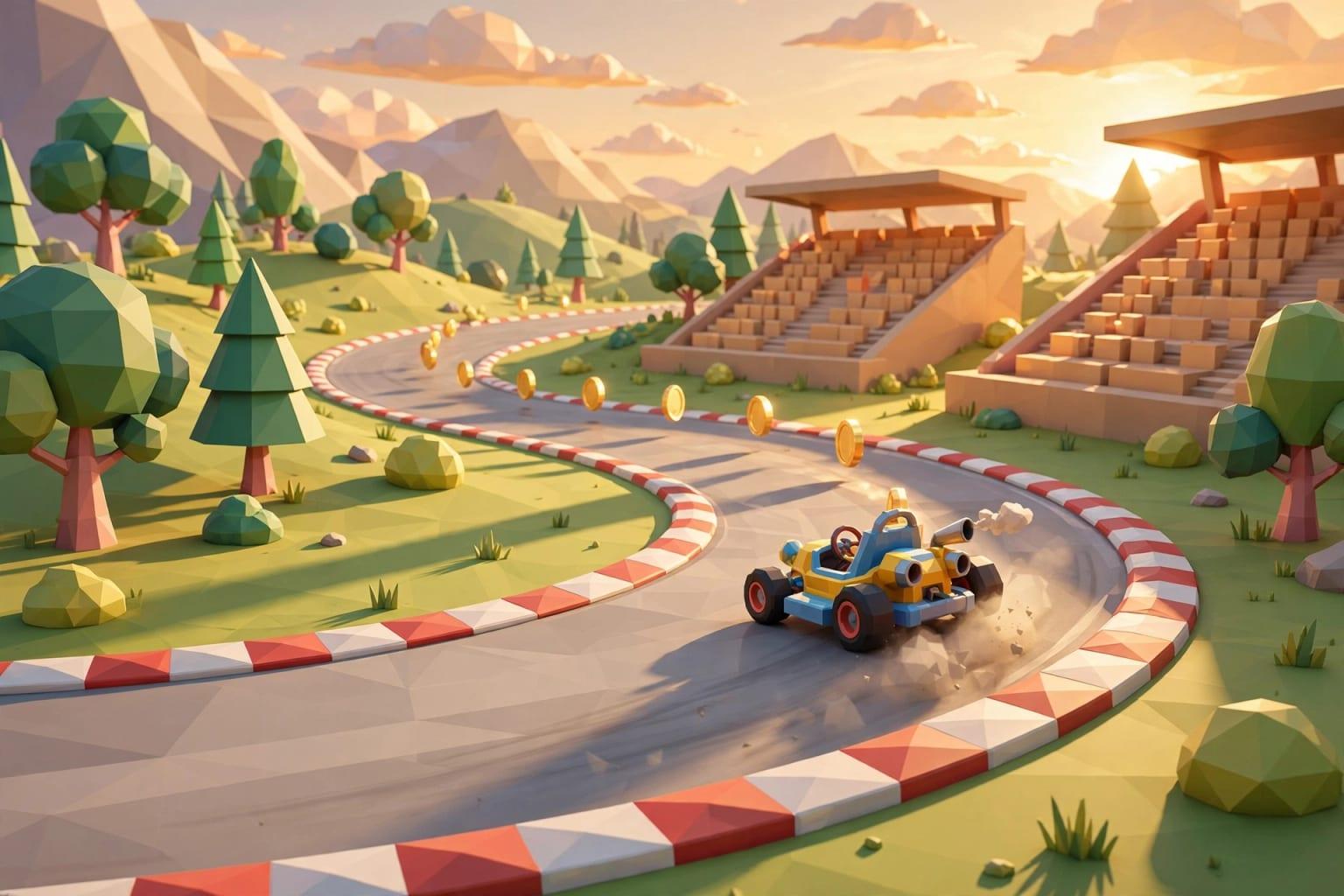 Illustration
- 2D templates
- 8: platformer, runner, space shooter, maze, match-3, kids quiz, racing, tower defense
- 3D templates
- 7: obstacle course, kart, island, puzzle, showroom, room, warehouse
- Publishing
- A link that plays in the browser
- Not for
- Multiplayer, huge open worlds, console stores
How do the three compare side by side?
| Full engine | No-code maker | AI | |
|---|---|---|---|
| Time to something playable | Days to weeks | Hours to days | Minutes |
| Learning needed | Long: code and engine concepts | Medium: event logic | Short: describing clearly |
| Ceiling | Nearly open | Medium, strongest in 2D | Light single-player games |
| Art and sound | You make or buy them | You make them or use the tool's library | Generated with the game; you adjust |
| Changing it later | You edit code and scenes | You edit the visual rules | You describe the change or move the sliders |
| Publishing | Computer, phone, console, web | Web and phone, by tool and plan | A browser link |
| What drives cost | Your time, assets, license terms | The tool's plan and your time | The plan and your tuning time |
| Suits | A career, or a large game | Learners, hobbyists, schools | Teachers, marketers, people with an idea |
No row has one permanent winner. Speed belongs to AI, the ceiling to engines, hands-on learning to no-code tools. So the real question is which of the three matters most for this particular game.
Which way fits your goal?
Pick the one that sounds like you to see the advice.
A full engine. Pick one and stay with it for six months, starting with very small projects you finish. Switching engines every month wastes the most time.
AI. You need something that works this week and opens from a link on people's phones, not a long project.
A no-code tool: you arrange the logic yourself and understand it. Or start with AI and play with the tuning sliders to see what each number does.
AI first: play it today and send the link to ten people. If they like it and it grows, move it to an engine knowing what to build.
If you are torn between two and three dimensions, read 2D or 3D: which should your first game be?. The whole beginner path is in how to make a game without coding.
Can you combine the ways?
Yes, and people who make games seriously do exactly that: the first prototype is fast and cheap, and the big investment comes after the idea proves it is fun.
- TodayA playable prototype
Describe the idea and get a running game. Ignore the look and ask one question: is the core move fun?
- This weekTest with players
Send the link to ten people and watch without explaining. Where do they stall? When do they laugh? When do they quit?
- NextTune the feel
Adjust the jump, the speed and the difficulty until players ask for another round on their own.
- If it growsThe engine decision
If the game needs multiplayer, a big world or store releases, move to a full engine with a design you have already tested.
Tuning feel is a craft with rules, explained in why your game feels wrong and how to fix it by tuning. Publishing by link is covered in browser games.
Which mistakes waste the most time?
- Starting with the dream game: an open world with multiplayer as a first project. Start with a two-minute game.
- Choosing the tool before the size: the tool follows the game.
- Polishing looks before testing fun: a beautiful boring game is still boring.
- Ignoring phones: most people will open your link on a phone, so try touch controls early.
- Building a game nobody else has played: you are your game's worst tester because you know all its secrets.
A small finished game teaches you more than a big one that never ships.
Key takeaways
- A full engine has almost no ceiling, and its price is months of learning before a game worth publishing.
- No-code tools are the best place to learn how games think: events, conditions and collisions.
- AI is the fastest road from an idea to something playable, with clear limits: light single-player games in the browser.
- The size of the game decides the tool, not the other way round. Decide how many minutes people will play first.
- The ways combine: test the idea with AI and move to an engine if it grows.
Frequently asked questions
What is the easiest way to make a game as a beginner?
Should I learn Unity or use AI?
Can AI make 3D games?
Can I publish my game on app or game stores?
Do I need to draw to make a game?
How long does a simple game take?
Ask your AI assistant about this
Copy this prompt into the AI assistant you use, then add the details of your own case.
I am reading this guide: “Game engines, no-code tools or AI: ways to make a game, compared” https://fanann.com/en/blog/ways-to-make-a-game-compared/ My question: ways to make a game Use that page as a source and explain the answer step by step for my situation, tell me what to check before I start, and cite the page link.