Egypt has two systems run by the Egyptian Tax Authority: the e-invoice system for business-to-business transactions and the e-receipt system for sales to consumers. Businesses that fall under them issue invoices or receipts electronically and send them to the system rather than relying on paper alone. For your invoicing software, that means more precise customer and item data, an accepted way of submitting, and numbers that cannot be edited after issue. Who is covered, when and how is set by the authority, so check with your accountant and the authority directly before deciding, and do not rely on any program that claims to cover you without verifying.
- e-invoicing egypt
- egypt e-invoice system
- e-receipt egypt
- e-invoicing software
- accounting software linked to e-invoicing
- free invoice software
What is e-invoicing in Egypt, in short?
An e-invoice is not a PDF you email to your customer. It is an invoice with structured data that is sent to a system run by the Egyptian Tax Authority, which validates and records it before it reaches the buyer. The aim is to record transactions as they happen rather than collecting them at the end of a period.
 Illustration
This guide covers the general picture only. It does not tell you whether or when your company is covered: the authority decides that by activity and stage, and the technical and procedural details keep evolving. Treat it as a map to help you ask your accountant the right questions, not as a substitute for them.
- Authority
- Egyptian Tax Authority
- Two systems
- The e-invoice and the e-receipt
- Currency
- Egyptian pound, with other currencies possible depending on the transaction
- Who is covered
- Set by the authority; ask your accountant
- This guide
- A general explanation, not tax advice
What is the difference between the e-invoice and the e-receipt?
- For transactions between businesses, including dealings with government bodies
- The buyer is an entity whose tax details appear on the invoice
- Usually fewer invoices with a higher value each
- Usually issued from accounting or invoicing software
- For sales to consumers in shops, restaurants and points of sale
- The buyer is an individual who usually needs no tax details
- A large number of small receipts throughout the day
- Usually issued from the till or point of sale
Some businesses sell to both companies and individuals, such as an office supplies dealer who invoices a company and gives a walk-in customer a receipt. Both systems may then concern you, so ask your accountant about each type of sale separately.
What changes in your invoicing software?
If you issue invoices today from Word, Excel or a simple program that prints a page, the biggest change is not how the invoice looks but how precise the data behind it is and how it is submitted.
| Aspect | Traditional invoice | With the electronic system |
|---|---|---|
| Data | Free text typed by staff | Structured fields: seller and buyer details, coded items, quantities, taxes |
| Items | Item names as each employee writes them | A fixed code per item following the coding scheme the authority requires |
| Submission | Paper or a PDF to the customer | Electronic submission to the system by a method the authority accepts |
| Corrections | Edit the file and reprint | No edits after issue; a credit or debit note, or a cancellation, under the rules |
| Signature | A stamp or handwritten signature | An electronic signature where the system requires it |
What data should be in order before any integration?
- Your company details: the name as registered, the address, the tax registration number, and branch details if you have branches.
- Business customer details: legal name, tax registration number and address, entered once rather than on every invoice.
- An item and service list with a fixed internal code per item and a field for the standard code the coding scheme requires.
- Prices and taxes: the tax rate per item or service, and discounts on a separate line.
- An invoice sequence that never repeats or goes backwards, with a log of every cancellation or adjustment note and its reason.
What are your options for issuing the required invoices?
There is no single right path for everyone. The choice depends on your invoice volume, whether you are covered at all, and what your accountant prefers. These are the general options business owners usually discuss:
Pick the one that sounds like you to see the advice.
May suit businesses with few invoices, entering each invoice manually in the portal the authority provides. Check with your accountant whether it fits your volume.
A program or service provider that submits invoices to the system. Ask for proof that invoices are actually accepted, and about support when requirements change.
You build your own system for sales, customers and items, and it exports invoice data in the format your chosen submission method needs.
A direct integration between a custom program and the system through an API is a project in its own right: it needs registration, procedures and testing with the authority, plus follow-up on every update. Do not start it before your accountant agrees, and estimate its time and cost realistically; the cost calculator can help.
How do you prepare, step by step?
- 1Ask your accountant first
Is your business covered by the e-invoice system, the e-receipt system or both, and what is required of you now? Get the answer in writing.
- 2Organize your data
Company details, customers with their tax details, items with fixed codes, and the tax for each item.
- 3Choose how you will issue
The system's portal, software connected to it, or your internal system plus a submission method your accountant approves.
- 4Test before relying on it
Issue test invoices for the hard cases: a discount, a return, a credit note, a new customer, an item with a different tax rate.
- 5Review monthly
Match what your software issued against what was actually recorded, and follow any update the authority announces.
If you only issue a few invoices and need a tidy one for a customer now, try the invoice generator to create a clear invoice quickly, keeping in mind that it does not submit anything to the tax system. For the differences between invoicing programs in general, read the invoice software guide.
How can Fanann help with your internal invoicing system?
In Fanann you describe the invoicing system that fits your business and it gets built: customers, coded items, invoices and notes, reports, and permissions per employee. You can include the fields your accountant asks for in your description, and ask for data exports in the format your chosen submission method needs. We do not claim the program you build is approved by the authority; that is something to verify with your accountant and the authority.
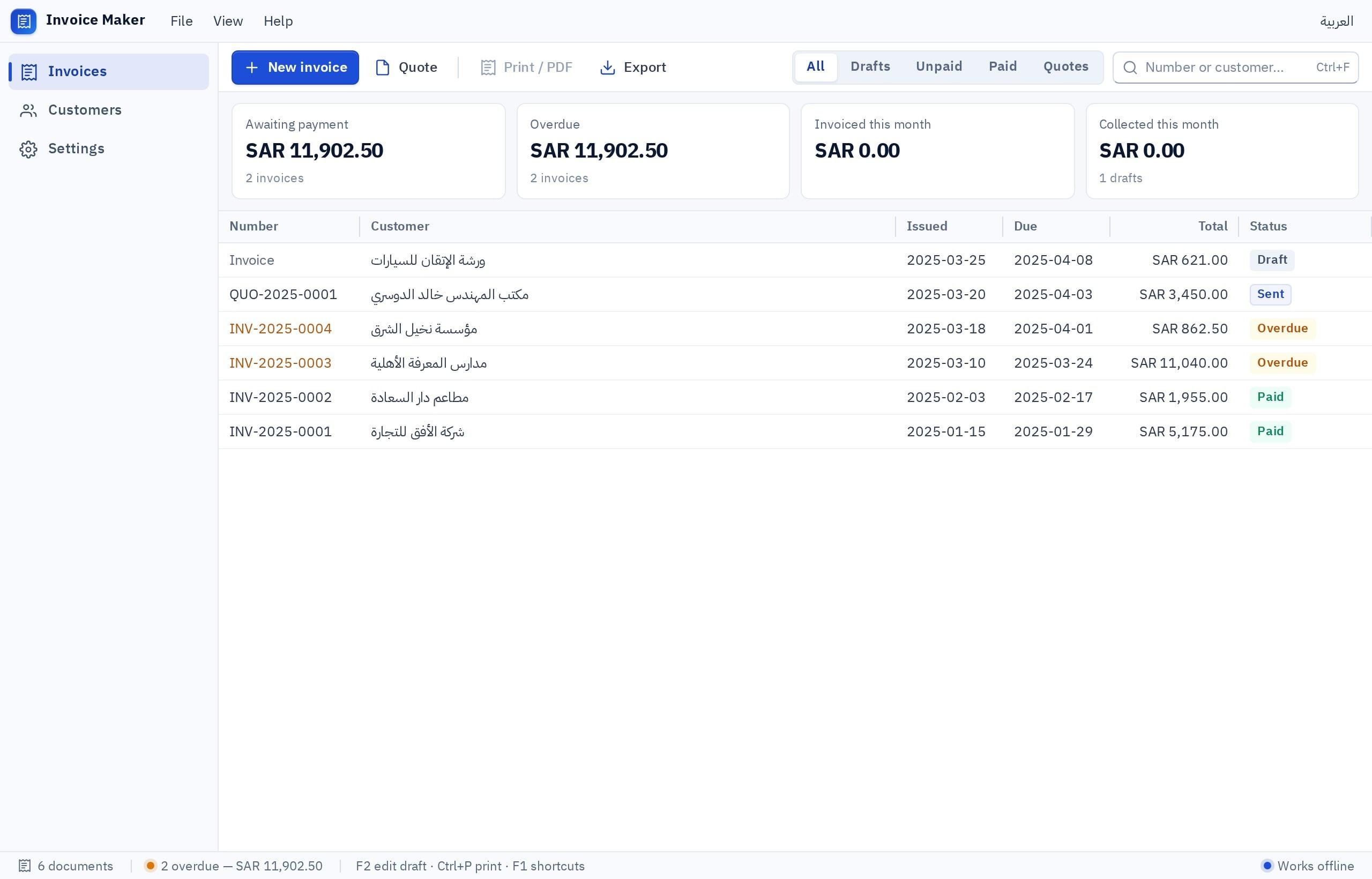
I want an invoicing system for an office supplies company in Cairo, in Arabic, right to left. Customers: legal name, tax registration number, address, customer type (company or individual). Items: name, fixed internal code, a field for the standard code, unit, price, tax rate. Invoices in Egyptian pounds with a sequence that never repeats, discounts on a separate line, and no editing after issue; instead a linked credit or debit note with a reason. Invoice statuses: draft, issued, cancelled. A monthly report of sales and tax by customer and item. Export invoices to a structured file our accountant can use. Permissions: sales staff create drafts; the accountant issues and cancels.
Try it in FanannIf you need a broader accounting system, see the accounting software page, and for shops selling to consumers, accounting and inventory software for shops in Egypt. What each plan includes is on the pricing page.
What should you review with your accountant?
More guides for companies and shops are in the Egypt market guide and on the Fanann in Cairo page.
Software organizes the data, your accountant decides what applies to you, and the tax authority has the final word.
Key takeaways
- The e-invoice covers business-to-business transactions and the e-receipt covers sales to consumers; each system has its own requirements.
- The Egyptian Tax Authority decides who is covered, when and how, and the details change, so ask your accountant first.
- Before any integration, organize your data: items with fixed codes, customers with their tax details, and clear prices and taxes.
- An internal system can organize and export the data; submitting to the tax system needs a method your accountant approves.
- Do not accept anyone's claim that their software spares you from checking; ask for proof that invoices are actually accepted.
Frequently asked questions
What is the e-invoice in Egypt?
Is my company required to issue e-invoices?
What is the difference between the e-invoice and the e-receipt?
Is a program built with Fanann approved by the tax authority?
Is there free invoicing software?
What do I do if I made a mistake on an invoice after issuing it?
Ask your AI assistant about this
Copy this prompt into the AI assistant you use, then add the details of your own case.
I am reading this guide: “E-invoicing in Egypt: what it means for your invoicing software” https://fanann.com/en/blog/e-invoicing-egypt/ My question: e-invoicing egypt Use that page as a source and explain the answer step by step for my situation, tell me what to check before I start, and cite the page link.